
Chrome Extensions That Shape Real Upwork Freelance Workflows

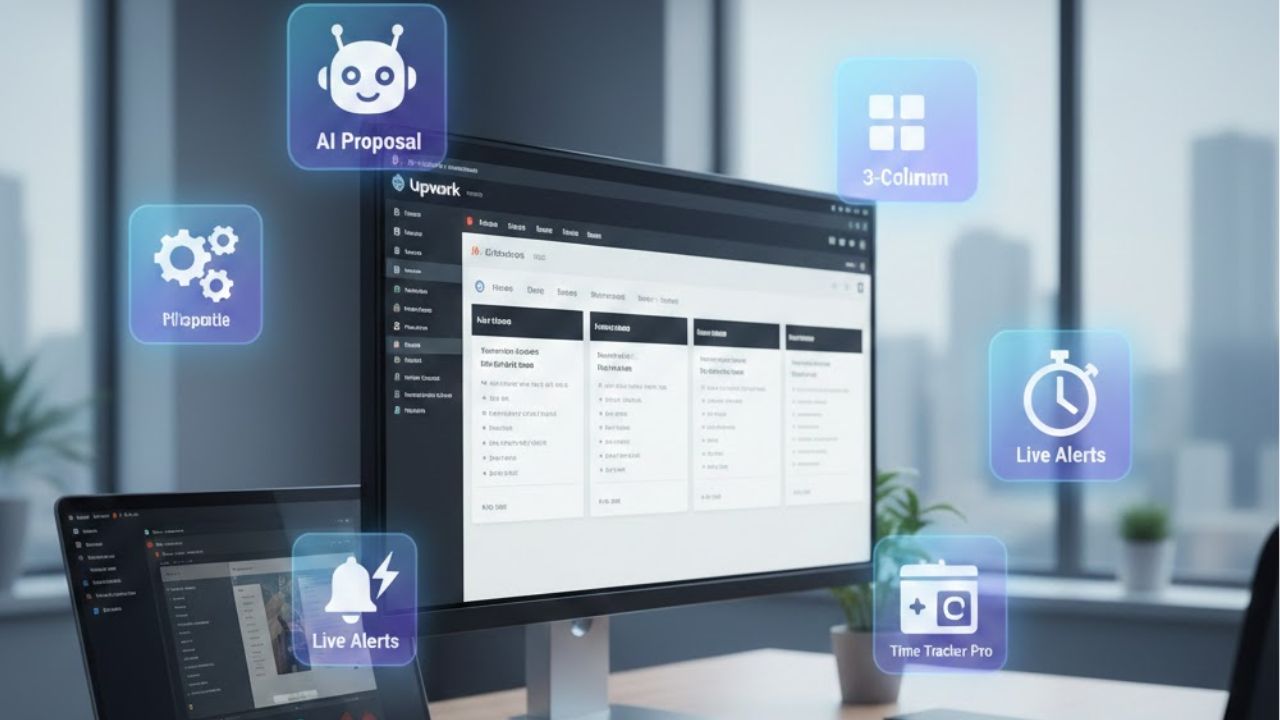
Freelancers searching for Chrome extensions for Upwork freelancers usually arrive with tension. Tabs pile up. Job feeds blur together. Proposal writing eats hours. Platform rules feel opaque. Each wasted minute drains momentum. Browser tools promise relief yet most lists recycle surface level picks with no lived perspective. Serious freelancers need clarity not hype.
Daily work on Upwork demands focus. Chrome becomes the workspace itself. Every extension added either sharpens attention or fractures it. High earning freelancers curate browsers like studios. Tools earn their place through repeated use under deadline pressure. Anything ornamental disappears fast.
This article speaks from that reality. It unpacks Chrome extensions that integrate into authentic Upwork workflows. Each tool earns space through behavioral change. The goal centers on calmer bidding. Faster evaluation. Cleaner research. Sharper communication. No filler. No recycled marketing language. Only extensions that survive real freelance strain.
Why Chrome Extensions Matter Inside Upwork Workflows
Upwork lives inside the browser. Contracts. Messages. Job feeds. Reports. Payment history. Every action occurs through tabs. Chrome extensions alter how those tabs behave. A well chosen tool reduces cognitive load. Poor choices increase friction. Freelancers feel this difference within days.
Extensions shift how information flows. They compress research. Highlight risk. Preserve context. Small improvements stack. Ten seconds saved per proposal scales across weeks. Reduced fatigue protects decision quality. This matters more than speed.
Experienced freelancers view extensions as silent collaborators. They track patterns. Catch inconsistencies. Surface signals hidden in raw listings. Tools amplify judgment rather than replace it. The browser becomes an intelligence layer rather than a window.
Trust Signals and Risk Detection Tools
Veteran freelancers scan job posts for risk faster than novices. Chrome extensions accelerate that instinct. They expose signals like payment history anomalies. Client posting velocity. Feedback patterns. This changes proposal strategy before words are written.
Some extensions overlay client data directly onto job listings. Others summarize historical behavior across contracts. The value lies in pattern recognition. Low spend clients look different over time. Extensions reveal that shape.
Risk detection tools also protect emotional energy. Chasing unreliable clients drains focus. Smart filtering prevents burnout. Freelancers who last years build this defense early. Chrome extensions become gatekeepers.
Proposal Writing and Text Intelligence Extensions
Proposal quality wins contracts. Writing clarity matters. Chrome extensions assist through tone checking. Readability balance. Grammar refinement. These tools support thinking not templates. Freelancers who rely on canned phrasing lose edge fast.
Text intelligence extensions flag weak verbs. Overused phrases. Passive constructions. They work best when configured lightly. Over correction kills voice. Subtle guidance preserves authenticity.
Experienced freelancers draft proposals inside Upwork then refine through extensions. This keeps platform context intact. Word choice adapts to client tone. Extensions function like editors rather than authors.
Research and Context Preservation Tools
Upwork jobs reference tools. Industries. Competitors. Context switching kills flow. Research extensions reduce that tax. They preview pages. Save snippets. Capture sources without leaving the tab.
Context preservation matters. When freelancers hold research inside the browser they think deeper. Chrome extensions that store notes locally or sync lightly support this mental continuity.
Freelancers bidding on technical work benefit most. Deep research differentiates proposals. Extensions shorten the distance between curiosity and clarity. The browser becomes a research desk rather than a distraction engine.
Time Awareness and Focus Extensions
Upwork rewards consistency. Freelancers underestimate time leakage. Chrome extensions that surface time usage create awareness. Not surveillance. Awareness. This subtle difference shifts habits.
Focus extensions block noise during proposal windows. Social tabs fade. Alerts pause. Attention returns to the job feed. These tools work best in short sessions. Over blocking creates friction.
Seasoned freelancers schedule bidding hours. Extensions enforce that boundary. The browser reflects intention rather than impulse.
Communication and Message Management Tools
Client messages pile up fast. Chrome extensions organize inboxes. Highlight unread threads. Surface response delays. This prevents missed signals.
Some tools integrate canned responses lightly. The goal remains speed without sounding robotic. High value freelancers personalize fast. Extensions support recall rather than replace conversation.
Communication tools shine during active contracts. They reduce anxiety. Clear visibility into message flow restores calm. Freelancers respond with intention rather than urgency.
Data Extraction and Job Analysis Extensions
Upwork listings contain patterns. Keywords repeat. Budget ranges cluster. Chrome extensions extract this data for analysis. Freelancers track trends across weeks.
Data extraction supports niche positioning. Repeated language reveals demand. Freelancers adjust profiles accordingly. Extensions accelerate this feedback loop.
These tools demand discipline. Data without interpretation creates noise. Skilled freelancers ask precise questions then collect answers. Chrome extensions serve that inquiry.
Browser Hygiene and Performance Tools
Too many extensions slow Chrome. Performance tools monitor impact. They flag memory usage. Disable idle extensions. This keeps the browser responsive.
Clean browsers reflect professional habits. Freelancers who maintain digital hygiene work longer without fatigue. Performance extensions enforce restraint.
A lean extension stack beats feature overload. Every tool must justify itself through repeated value.
Security and Privacy Extensions
Freelancers handle client data. Contracts. Credentials. Chrome security extensions block trackers. Enforce HTTPS. Manage passwords securely.
Privacy matters during research. Competitive analysis requires discretion. Extensions protect browsing trails. This supports ethical practice.
Security tools run quietly. Their value appears only when absent. Experienced freelancers treat them as non negotiable infrastructure.
Comparison Table of Chrome Extension Categories for Upwork Freelancers
| Extension Category | Primary Purpose | Workflow Impact | Experience Level |
|---|---|---|---|
| Risk Detection | Client screening | Proposal selectivity | Intermediate |
| Writing Assistance | Proposal clarity | Conversion quality | All levels |
| Research Tools | Context capture | Depth of insight | Advanced |
| Focus Management | Distraction control | Consistency | All levels |
| Communication | Message visibility | Client trust | Intermediate |
| Data Extraction | Trend analysis | Strategic positioning | Advanced |
| Performance | Browser stability | Work endurance | All levels |
| Security | Privacy protection | Risk reduction | All levels |
How Freelancers Choose the Right Extension Stack
No universal stack exists. Freelancers differ by niche. Volume. Experience. Chrome extensions must align with working style. One tool per problem works better than many overlapping ones.
Testing matters. Install one extension at a time. Observe behavior change over days. Remove anything unused. This discipline mirrors client selection.
Experienced freelancers revisit stacks quarterly. Work evolves. Tools must follow. Chrome extensions serve the freelancer not the other way around.
Common Mistakes Freelancers Make With Extensions
Over installation tops the list. More tools feel productive yet fragment attention. Another mistake involves blind trust. Extensions surface data not truth. Judgment remains human.
Ignoring performance cost hurts long sessions. Chrome slows. Fatigue rises. Freelancers blame work instead of tools.
Failure to update settings also limits value. Default configurations rarely fit experienced workflows. Tuning matters.
The Role of Google Chrome in Freelance Work
Chrome dominates freelance workflows due to ecosystem depth. Extension availability matters. Stability matters. Integration matters. Freelancers build inside this environment daily.
The browser becomes a professional instrument. Like any tool it needs calibration. Chrome extensions provide that adjustment layer.
Choosing Chrome aligns freelancers with the largest extension ecosystem powered by Google. This access supports experimentation and long term adaptability.
FAQs
Which Chrome extensions help screen Upwork clients faster
Risk detection extensions that overlay client history inside job listings reduce screening time. These tools highlight spend patterns and feedback density which experienced freelancers recognize instantly.
Do too many Chrome extensions hurt proposal speed
Yes. Excessive extensions slow page load and distract attention. Freelancers with lean stacks write proposals faster and with clearer focus.
Are writing extensions safe to use inside Upwork proposals
Writing assistance tools operate locally within the browser. They do not interfere with platform rules when used for grammar and clarity support.
Can Chrome extensions violate Upwork terms
Automation or scraping tools may cross boundaries. Freelancers should review platform policies before using any extension that alters normal interaction.
How often should freelancers review their extension setup
Quarterly reviews align tools with evolving workflows. Removing unused extensions restores performance and mental clarity.
Do beginner freelancers need advanced data extraction tools
Beginners benefit more from focus and writing tools. Data extraction supports strategic positioning which develops with experience.
A Final Perspective on Extension Driven Freelancing
Chrome extensions for Upwork freelancers shape daily experience more than any course or template. Tools influence mood. Pace. Judgment. The right extensions fade into the background while elevating work quality.
Freelancers who treat their browser as a craft instrument last longer. They protect focus. They reduce friction. They choose clients wisely. Chrome extensions serve that quiet discipline.
Authority grows from repeated calm execution. The browser either supports that state or undermines it. Thoughtful extension choices tilt the balance toward sustainable freelance success.


