
How AI Chrome Extensions Are Changing Student Study Habits

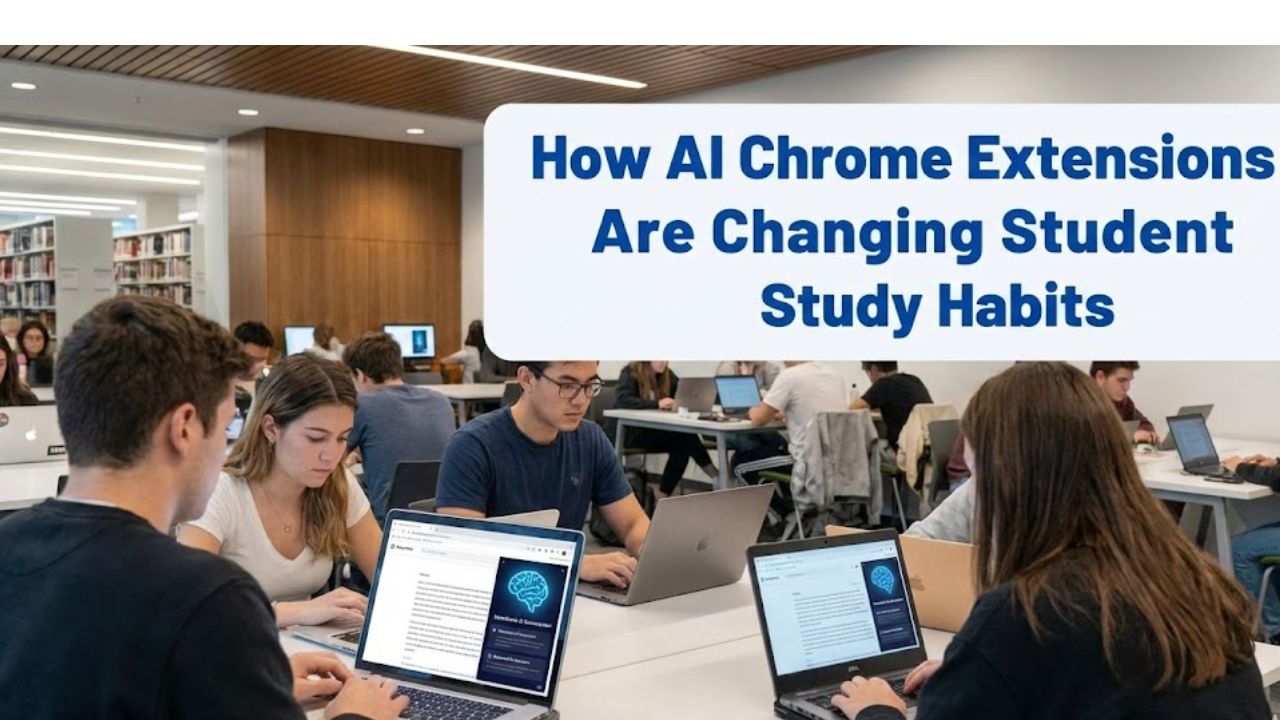
Late nights. Tab overload. Notes scattered across tools that never talk to each other. Students feel the pressure long before graduation arrives. Coursework moves fast and expectations keep rising. Attention gets pulled in every direction. Chrome sits at the center of this chaos because it is where studying actually happens.
AI Chrome extensions for students exist because browsers turned into classrooms. Research lives in search tabs. Writing happens in cloud editors. Collaboration runs through shared docs and email threads. The extension layer quietly reshapes how students think organize and produce work inside that environment.
This shift is not about shortcuts or automation replacing learning. It is about cognitive support. The best tools reduce friction and mental clutter. They help students spend energy on understanding rather than managing process. That difference changes outcomes over a semester.
What follows is a deeply practical editorial look at how these extensions work in real academic settings. The focus stays on usefulness credibility and how students actually behave when deadlines feel close.
Why Students Are Turning to AI Inside the Browser
Cognitive overload defines modern studying
Students face more information than any generation before. Academic reading lists grow longer. Research sources multiply. Course platforms rarely integrate well with each other. Browsers end up carrying the weight of that fragmentation.
AI extensions reduce overload by acting as a second layer of thinking. They summarize long texts. They surface patterns. They catch writing issues before submission. This support feels subtle yet powerful because it happens inline where work already lives.
Students who adopt these tools often describe a shift in mental energy. Less time gets lost switching contexts. More time goes into actual comprehension and synthesis.
Chrome as the default academic workspace
Google Chrome dominates student computing for a simple reason. It runs everywhere and integrates with learning platforms seamlessly. Chrome extensions gained trust over years as lightweight tools that add function without demanding new habits.
AI capabilities layered onto extensions feel natural rather than disruptive. Students do not need to learn new software ecosystems. They install once and work continues as usual with quiet enhancements.
That frictionless adoption explains why AI Chrome extensions spread quickly across campuses even without institutional endorsement.
Trust grows when tools feel assistive not intrusive
Students hesitate when tools feel like surveillance or academic risk. The strongest extensions position themselves as assistants rather than replacements. They do not promise miracles. They support clarity.
When feedback arrives as suggestions rather than commands students remain in control. That sense of agency matters for trust and long term use. Tools that respect learning processes last longer in student workflows.
Writing Support Extensions That Students Actually Use
Grammar and clarity as a baseline expectation
Writing remains the most common academic output. Essays lab reports and discussion posts dominate assessment. Grammar errors distract readers and undermine confidence.
Grammarly became widely adopted among students because it integrates directly into browsers. It flags errors while students type rather than after submission. That immediacy changes behavior.
Over time students internalize patterns. Sentence structure improves naturally. Writing feedback stops feeling punitive and starts feeling instructional. That learning loop explains why grammar extensions remain sticky.
Tone adaptation for academic contexts
Academic tone confuses many students especially those early in their studies. AI extensions analyze tone and suggest shifts toward formality or clarity. These suggestions teach by example.
Students learn how small word choices change perception. They see how hedging language or vague phrasing weakens arguments. This feedback mirrors what instructors often write in margins but delivered instantly.
That alignment between tool feedback and academic expectations builds credibility.
Draft confidence improves submission quality
Students submit stronger drafts when they feel confident. AI writing extensions reduce fear of basic mistakes. That confidence encourages deeper revision rather than surface level edits.
The result is not laziness. It is improved engagement with ideas. Students spend less time worrying about commas and more time refining arguments.
Research and Reading Extensions That Save Mental Energy
Summarization reshapes academic reading habits
Long readings challenge focus. Students skim out of necessity rather than choice. AI summarization extensions provide structured entry points into dense material.
These tools generate concise overviews that help students decide where to focus. They do not replace reading. They guide it.
Students report better retention because they approach texts with clearer expectations. That orientation improves comprehension especially in unfamiliar disciplines.
Citation awareness inside the browser
Research integrity matters. Students struggle with proper citation formats and source tracking. AI extensions that recognize academic sources and suggest citations reduce accidental errors.
This support reinforces ethical research practices. Students learn to respect sourcing rather than fear it. Tools that integrate citation awareness into browsing strengthen academic habits.
Contextual explanations improve understanding
Some extensions provide inline explanations for complex terms or concepts. This feature mirrors how tutors assist during reading.
Instead of leaving the page students access clarification instantly. That continuity supports deeper learning. Interruptions decrease. Focus improves.
Organization and Focus Tools Built on AI Signals
Task prioritization adapts to academic rhythms
Students juggle multiple deadlines. AI extensions analyze browsing patterns and task lists to suggest priorities. This adaptive scheduling reflects how students actually work.
Rather than rigid planners these tools respond to workload fluctuations. During exam weeks recommendations shift. During lighter periods focus broadens.
That responsiveness increases adherence. Students feel understood rather than managed.
Distraction awareness without moral pressure
Many focus tools block sites aggressively. AI based extensions take a softer approach. They surface awareness rather than impose restriction.
Students see patterns in their own behavior. Self regulation improves because insight replaces guilt. This psychological nuance explains higher long term adoption.
Study sessions gain structure
AI assisted timers adjust based on engagement signals. Breaks arrive when attention drops rather than at fixed intervals.
Students describe these sessions as feeling natural. Productivity increases without burnout. That balance matters across long semesters.
Note Taking and Knowledge Management Extensions
Notes capture happens where learning occurs
Students take notes while reading online articles watching lectures and reviewing slides. AI Chrome extensions capture content directly from the browser.
This immediacy prevents loss. Students no longer rely on memory to transfer insights later. Knowledge gets stored in context.
Semantic organization supports retrieval
AI tags notes by theme rather than file location. This semantic structure mirrors how memory works.
When exam preparation begins students retrieve concepts across courses easily. Connections surface organically. Learning feels integrated rather than siloed.
Long term knowledge building becomes visible
Students see their knowledge graph grow over time. This visibility motivates consistent use.
Extensions that show progress reinforce learning identity. Students shift from task completion toward mastery orientation.
Ethical Use and Academic Integrity Considerations
Understanding institutional expectations matters
Universities vary in their stance on AI assistance. Students must understand boundaries.
Responsible extensions emphasize support rather than content generation. They frame use cases around learning enhancement.
This positioning helps students align tool use with academic policies.
Transparency protects student trust
Tools that explain how outputs are generated build confidence. Black box behavior raises suspicion.
Students value knowing what data gets processed and stored. Clear communication around privacy strengthens adoption.
Learning remains central when tools guide not replace
AI extensions that encourage reflection preserve educational value. They prompt students to think rather than deliver answers.
That distinction separates ethical assistance from misconduct risk.
Practical Comparison of Common AI Chrome Extensions for Students
Below is a practical comparison table reflecting typical student use patterns across major categories. The goal is clarity rather than ranking.
| Extension Type | Primary Academic Use | Learning Impact | Setup Complexity | Best For |
|---|---|---|---|---|
| Writing assistant | Essay drafting clarity | Improves writing confidence | Low | All disciplines |
| Research summarizer | Article comprehension | Enhances reading efficiency | Low | Heavy reading loads |
| Focus manager | Study session control | Builds self regulation | Medium | Distracted learners |
| Note capture tool | Knowledge retention | Supports long term recall | Medium | Concept heavy courses |
| Citation helper | Source management | Reinforces research ethics | Low | Research papers |
How Students Choose the Right Extensions
Fit matters more than features
Students often install too many tools. Overload returns. The most effective setups remain minimal.
Choosing extensions that align with course demands yields better outcomes. Writing heavy programs benefit from clarity tools. STEM fields gain from explanation overlays.
Intentional selection beats accumulation.
Habit formation determines value
An extension unused provides no benefit. Tools that integrate smoothly into existing habits survive.
Students succeed when extensions enhance workflows they already follow rather than impose new ones.
Periodic evaluation prevents stagnation
Academic needs change. Extensions that worked freshman year may feel irrelevant later.
Students benefit from reassessing tool relevance each semester. Flexibility keeps systems effective.
FAQs About AI Chrome Extensions for Students
Are AI Chrome extensions allowed in universities
Most institutions allow assistive tools that support learning rather than generate graded content. Students should review course syllabi and academic integrity policies. Responsible use aligns with learning support rather than substitution.
Do these extensions replace studying
They do not replace effort. They reduce friction around tasks like writing reading and organization. Understanding still requires engagement. Tools amplify focus rather than eliminate work.
Can professors detect extension use
Browser extensions operate locally. Detection depends on output rather than tool presence. If AI generates content beyond acceptable limits risk increases. Using tools for support rather than production reduces concern.
Are free versions enough for students
Free tiers often cover core needs. Premium features add depth. Many students succeed using only basic functionality. Evaluating value before upgrading helps manage cost.
Do AI extensions harm learning over time
When used thoughtfully they reinforce skills. Over reliance on generation features can weaken practice. Balance matters. Tools that teach patterns rather than provide answers support growth.
What should students avoid when using these tools
Blind acceptance of suggestions causes issues. Students should review edits critically. Maintaining authorship and understanding preserves academic integrity.
Closing Perspective on AI Chrome Extensions for Students
AI Chrome extensions for students represent a quiet shift in how learning happens online. They do not shout. They integrate. Their value emerges through consistent use rather than dramatic claims.
Students who approach these tools with intention gain clarity confidence and control. They spend less time wrestling with mechanics and more time engaging ideas. That shift defines meaningful academic progress.
As coursework grows more complex supportive technology becomes a partner rather than a crutch. The browser remains the study desk. AI extensions act as the thoughtful assistant who keeps things running smoothly while learning stays firmly in the student’s hands.


