
Chrome extensions that quietly shape modern web development

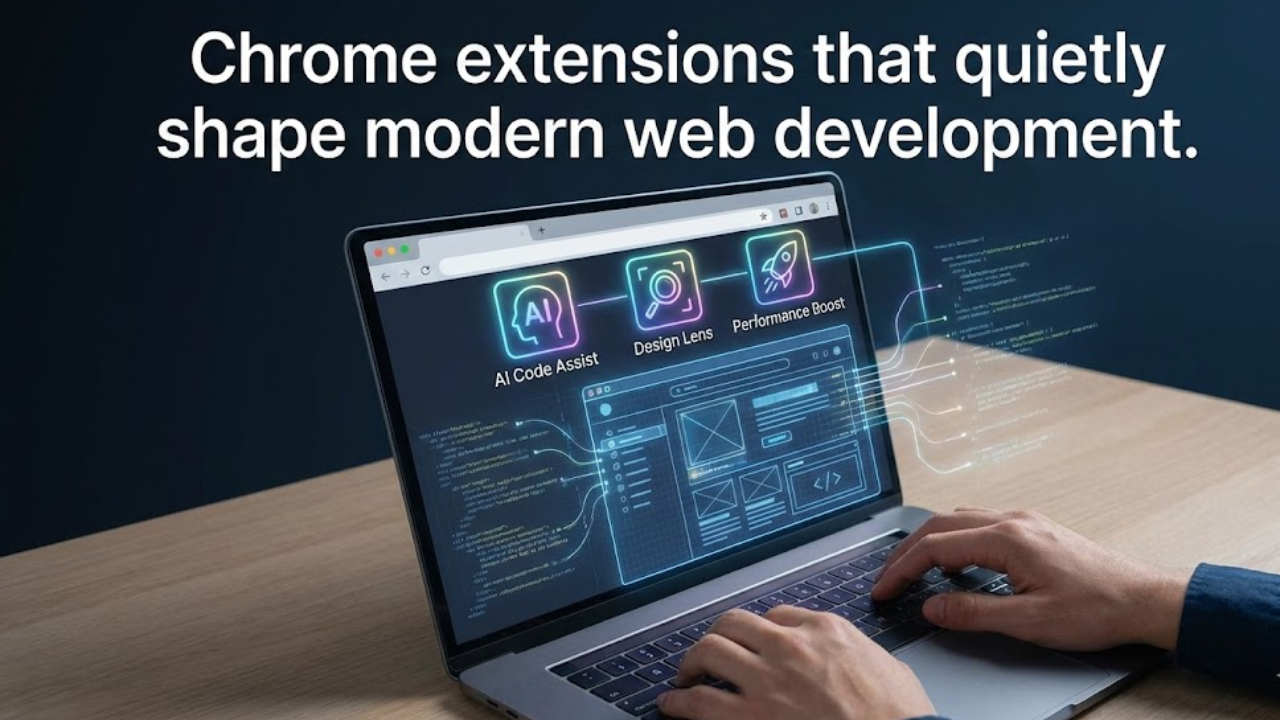
Every web developer hits a point where browser tabs pile up builds feel slower and debugging drains focus. The browser stops being a window to the web and turns into a bottleneck. Chrome extensions step into that gap not as flashy add ons but as working tools that live inside daily workflows.
Chrome extensions for web developers are not about shortcuts or hacks. They exist to reduce friction across inspection performance accessibility and collaboration. When chosen well they compress hours of effort into minutes without breaking concentration. When chosen poorly they create noise and false confidence.
This piece treats extensions as professional instruments. Each section reflects hands on experience across production sites large codebases and client work. The goal is not hype. The goal is clarity around why these tools matter and how experienced developers actually use them inside Chrome.
Why Chrome remains the default environment for developers
Chrome dominates web development because of consistency. Rendering behavior matches production reality for many teams. Tooling maturity inside the browser keeps pace with modern frameworks and deployment practices. Extensions amplify that advantage rather than replace native tools.
A large part of this gravity comes from the ecosystem built around the browser. The extension platform offers deep hooks into the DOM network layer storage and performance timeline. That level of access allows third party tools to behave like first class features rather than overlays.
Distribution through the Chrome Web Store also plays a role. Updates arrive silently. Permissions are explicit. Teams can standardize tools across environments with little overhead. This matters at scale where consistency saves real money.
How extensions differ from built in DevTools
Chrome DevTools provide the foundation. Extensions sit above that foundation and solve narrower problems with sharper focus. DevTools show raw capability. Extensions apply opinionated workflows on top of it.
Many developers underestimate this distinction. DevTools answer questions like what happened. Extensions answer questions like why this keeps happening and how to prevent it next time. That shift changes how problems are approached.
Extensions also reduce cognitive load. Instead of switching panels and filtering logs a focused extension presents a single signal. That signal may be accessibility contrast errors unused CSS or blocked requests. Over time that focus compounds into better instincts.
Inspection and debugging extensions that save real time
DOM and layout inspection beyond the Elements panel
Inspecting the DOM is rarely about looking at raw markup. It is about understanding layout intent versus actual output. Extensions dedicated to layout expose box models stacking contexts and grid boundaries without digging through computed styles.
Seasoned developers lean on these tools during responsive work. When a layout breaks at a specific viewport an overlay tells the story faster than scrolling through CSS rules. The value is speed paired with accuracy.
These extensions also help bridge design handoff gaps. When a spec calls for precise spacing the browser becomes a measuring instrument rather than a guessing game.
JavaScript state and framework awareness
Modern front ends hide state inside abstractions. When something misbehaves the DOM alone does not explain it. Extensions that surface component trees hooks or state changes give visibility into what frameworks actually render.
This is where experience matters. New developers inspect markup. Experienced developers inspect state transitions. Extensions shorten that learning curve by mapping abstract concepts to visual feedback.
Teams working with large single page applications often standardize on a small set of framework aware extensions. This creates a shared language during debugging sessions and code reviews.
Network analysis with intent
The Network panel shows everything. Extensions show what matters. By filtering and summarizing requests they reveal patterns that raw logs bury.
This is useful during performance audits and API integration work. A glance can show duplicate calls caching failures or payload bloat. These insights guide architectural decisions not just bug fixes.
Over time developers learn to read network behavior the same way they read stack traces. Extensions act as translators between intent and implementation.
Performance focused Chrome extensions developers rely on
Measuring what users actually feel
Performance is not about scores. It is about perception. Extensions that simulate throttled networks or highlight long tasks connect metrics to experience.
Experienced developers use these tools early not at the end. They catch regressions during feature work rather than during crisis mode. This proactive use shifts performance from firefighting to habit.
Chrome extensions for web developers in this category often expose metrics like layout shifts and input delay in plain language. That translation helps teams outside engineering understand tradeoffs.
Auditing with context not checklists
Automated audits have limits. Extensions that layer context over audits add value. They show which issues matter for a given page type and which can wait.
This nuance reflects real world constraints. Not every warning deserves equal attention. Extensions that prioritize issues align better with how products evolve.
Veteran developers treat audit results as conversation starters. The tool points to a problem. Experience decides the response.
Accessibility extensions as everyday companions
Seeing barriers instead of guessing
Accessibility issues often hide in plain sight. Color contrast keyboard traps and missing labels may not affect developers using a mouse on large screens. Extensions reveal these barriers instantly.
What changes behavior is repetition. When developers see the same warnings across projects patterns emerge. Design decisions adjust. Code reviews sharpen.
Accessibility extensions become teaching tools. Junior developers learn faster when feedback appears inside their browser rather than in abstract guidelines.
From compliance to empathy
The best accessibility extensions go beyond pass fail indicators. They simulate screen readers focus order and reduced motion preferences. This creates empathy not just compliance.
Teams that integrate these tools early avoid painful retrofits. Accessibility becomes part of design thinking rather than a late stage audit.
This shift builds trust with users and reduces legal risk without framing accessibility as a burden.
Productivity and workflow extensions for daily development
Reducing context switching
Every tab switch costs attention. Extensions that bring documentation headers or JSON formatting into the browser keep focus intact.
Developers working across APIs CMS platforms and design systems feel this benefit immediately. The browser becomes a workspace not just a preview window.
Small gains stack up. Over weeks and months reduced friction translates into clearer thinking and better output.
Collaboration and shared debugging
Some extensions capture page state console output or network logs and package them for sharing. This supports async collaboration across time zones.
Instead of vague bug reports teams exchange concrete artifacts. This shortens feedback loops and reduces miscommunication.
Experienced developers value this during incident response. Clear shared context speeds resolution more than heroics.
Security and privacy focused extensions
Catching issues before production
Security issues often stem from misconfigurations visible in the browser. Mixed content exposed tokens and unsafe headers show up during inspection.
Extensions that flag these issues early act as guardrails. They do not replace audits but they prevent obvious mistakes from shipping.
This is especially useful in fast moving teams where deployments happen frequently. Lightweight checks inside Chrome keep standards visible.
Respecting user data during development
Privacy focused extensions reveal trackers cookies and third party requests. Developers see what their pages actually load not what they intended to load.
This awareness influences architectural choices. It encourages restraint and transparency. Over time it builds products that respect users by default.
How experienced developers choose Chrome extensions
Fewer tools deeper mastery
A crowded extension bar signals confusion not productivity. Senior developers curate aggressively. Each extension must earn its place by saving time or improving quality consistently.
This discipline prevents dependency. Developers understand the underlying principles and use extensions as amplifiers not crutches.
When onboarding new team members a short approved list sets expectations and accelerates ramp up.
Trust signals that matter
Extensions maintained by active teams with clear documentation inspire confidence. Update cadence responsiveness to issues and transparent permissions all matter.
Developers with production responsibility look for these signals instinctively. They know a neglected extension can introduce risk.
The presence of a reputable maintainer like Google also influences trust though independence and focus often matter more.
Practical comparison of common extension categories
| Category | Primary purpose | Typical impact | Learning curve | Risk level |
|---|---|---|---|---|
| Layout inspection | Visualize spacing and grids | Faster CSS fixes | Low | Low |
| State debugging | Inspect framework state | Clear bug isolation | Medium | Low |
| Performance analysis | Reveal user facing issues | Better load behavior | Medium | Low |
| Accessibility checks | Surface usability barriers | Inclusive design | Low | Low |
| Security awareness | Flag obvious risks | Safer releases | Medium | Medium |
Chrome extensions within team standards
Standardization across environments
Teams benefit when everyone uses the same core set of extensions. Shared tooling reduces friction during pair programming and reviews.
This does not mean enforcing every preference. It means agreeing on essentials tied to quality and performance. Extensions become part of the development environment definition.
Documenting these choices sends a signal about values. Accessibility performance and security move from slogans to practice.
Avoiding extension overload in CI culture
Extensions complement automation rather than replace it. Experienced teams draw clear lines. CI handles enforcement. Extensions handle awareness.
This balance keeps developers informed without slowing pipelines. It respects human judgment while maintaining guardrails.
The future of Chrome extensions for web developers
Browser capabilities continue to expand. Some extension features eventually migrate into native tools. Others evolve into specialized companions.
The direction points toward deeper integration with frameworks build tools and cloud platforms. Extensions may soon reflect deployment context feature flags and real user metrics.
Developers who understand fundamentals will adapt easily. Extensions will change. Principles endure.
FAQs
Are Chrome extensions safe to use in professional environments
Most are safe when permissions are reviewed and sources are trusted. Experienced teams audit extensions like any dependency.
Do Chrome extensions slow down the browser
A small number running constantly can add overhead. Curated sets rarely cause noticeable impact.
Should junior developers rely heavily on extensions
Extensions help learning when paired with understanding. Blind reliance slows growth.
Can extensions replace testing tools
They cannot. Extensions provide visibility. Testing tools provide guarantees.
How often should extensions be reviewed
Periodic reviews keep environments clean. Many teams do this quarterly.
Are paid extensions worth it
Some are. Value comes from time saved and clarity gained rather than features listed.
Closing perspective
Chrome extensions for web developers reflect craft maturity. They reward those who know what they are looking for and punish those chasing shortcuts. Used with intent they sharpen judgment reduce friction and elevate output.
The strongest signal of expertise is not how many tools sit in the browser. It is how quietly they support decisions. When extensions fade into the background and quality rises the setup is doing its job.


